How to Input files on Aryza Insolv
1. How to start Aryza Insolv
Aryza icon


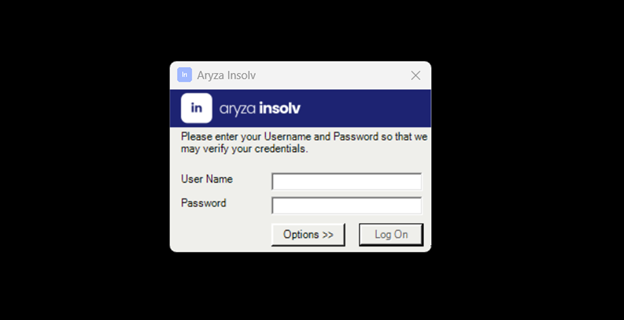
Login page

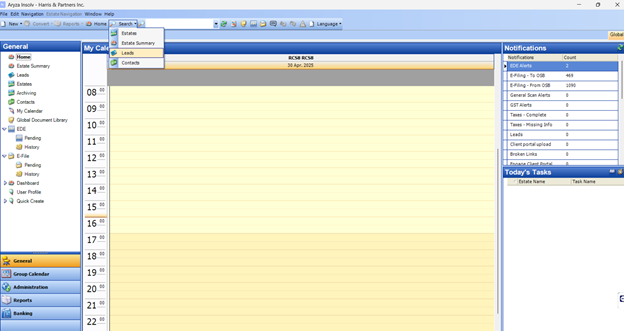
Start page
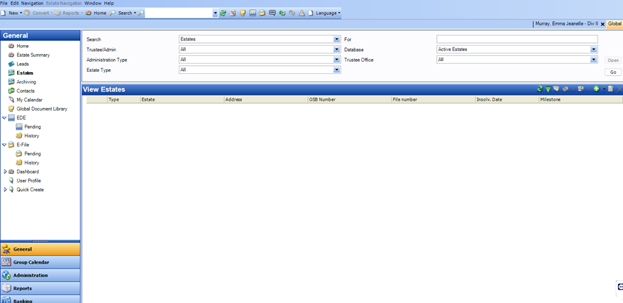
Search Page
2. How to push file from advize to insolv
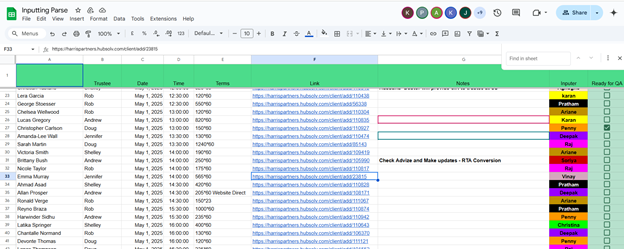
Locate file on parse sheet

Click the link next to file to open it on advize
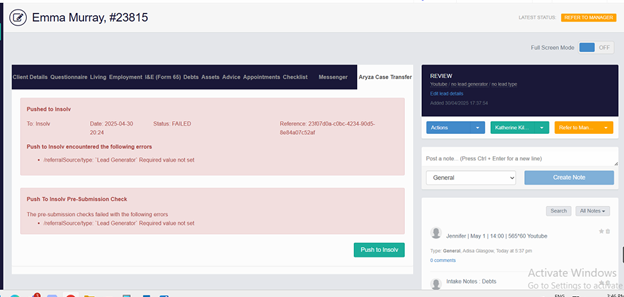
Open Aryza case transfer tab and hit Push to Insolv the button.
Resolve any errors popped up and again hit push to Insolv button unless it shows below message

3. How to locate file on Insolv after it is pushed from advize and convert into proposal or bankruptcy
Click the search button on Insolv and select leads to search the file

Search the name and open the file

Double click the file to open it in leads

The file page after double clicking

Click the convert option and make select Division II for a CP file or select SA for BK file

A window would popup to convert the file. Update all the mandatory fields on first page to convert the file
After clicking save&close button the file would be converted to Div II or SA as per the selected option


Once the file is converted to Div-II or SA it can be search under estates

